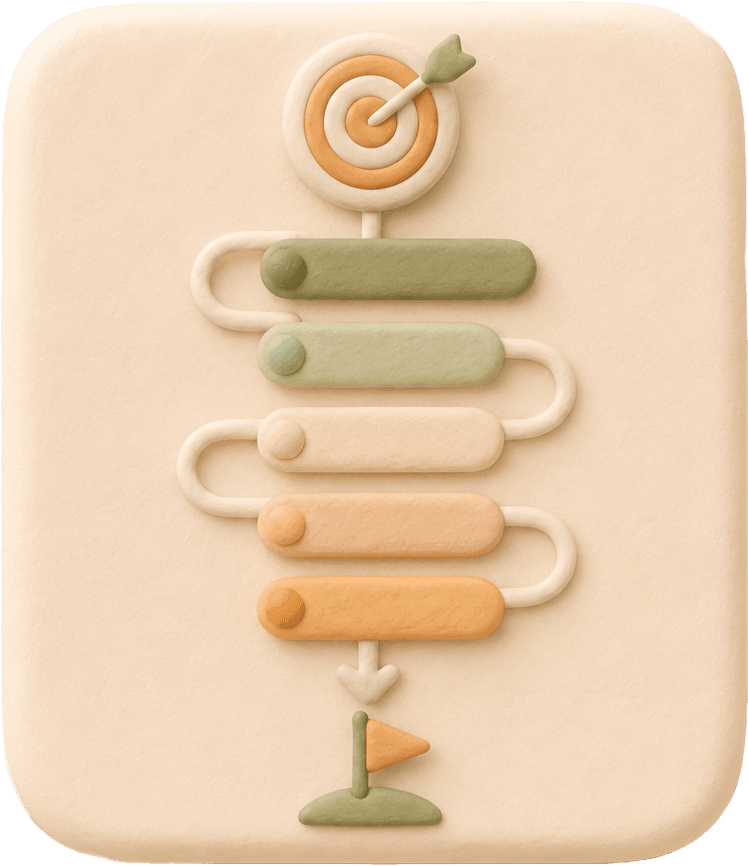
SMART goal setting tool

Setting the Goals

Set a goal, break it into executable tasks, and preview each goal node before it enters your calendar workflow.

S
M
A
R
T

S

Make the goal specific

Name the outcome and break it down until the next layer feels executable.

Breakdown

After setup, you can keep breaking targets down into unlimited deeper levels.

Illustration for setting the goals with tasks, pace, and progress

How to use the setting the goals form

Use the setting the goals form to move from a broad goal to tasks, relevance, time, and measurable progress before you save anything.

  1. 01

    Write the goal you want to set

    Start with one clear outcome. Add optional breakdown rows when setting the goals needs smaller pieces before it feels executable.

  2. 02

    Add the tasks that move the goal

    List the actions you can repeat and set how many completions each task needs. This keeps setting the goals tied to real work.

  3. 03

    Explain why each task matters

    Use the relevance notes to confirm that every task belongs to the goal, not just to a separate checklist.

  4. 04

    Choose a realistic deadline

    The deadline turns setting the goals into a pace, showing what daily rhythm the goal will require.

  5. 05

    Preview progress before saving

    Review each goal node, deadline, and task commitment first. Save only when the setting the goals plan looks clear enough to execute.

Features of the setting the goals form

The setting the goals form is built around the details that make a goal executable: clear wording, real tasks, relevance, time, and measurable progress.

SMART flow for setting the goals

The form keeps the familiar SMART structure while ordering the steps around the data you actually need to build an executable goal.

Infinite Goal Breakdown

When setting the goals starts too broad, break it into smaller goals again and again, until each piece feels easy enough to complete.

Multiple tasks per goal

Add more than one action to the same goal and set required completions, so progress can come from repeated execution.

Relevance notes for every task

Each task includes a short reason it matters, keeping the setting the goals process connected to the outcome you want.
Deadline-based daily pace

The deadline becomes a pacing signal, showing how much work the goal needs each day instead of acting as pressure alone.
Measurable progress preview

Before saving, the form previews each goal node so you can see whether the setting the goals plan is clear enough to follow.

Setting the goals, then doing the work

The page starts with the tool because goal setting is only useful when it becomes executable.

What is the SMART rule when setting the goals?

The SMART rule helps turn an intention into a goal that is Specific, Measurable, Achievable, Relevant, and Time-bound. In BreakToGoal, that means clarifying the outcome, attaching real tasks, checking why each task matters, choosing a realistic date, and previewing the daily pace before you save.

SMART goal setting that becomes action

The SMART flow keeps the classic letters, but turns them into an execution path: make the goal specific, choose achievable tasks, confirm relevance, add time, then measure the daily pace.

Examples of setting the goals

A goal like "learn Spanish" can become subgoals such as listening practice, speaking drills, and vocabulary review. Once each node has tasks and a deadline, the preview shows its daily pace.

Why use BreakToGoal for setting the goals

Setting the goals works best when each goal becomes clear tasks, a realistic deadline, and visible progress before it enters your daily workflow.

Illustration showing why BreakToGoal helps turn goals into tasks, time, and progress

Turn setting the goals into next actions

BreakToGoal keeps the focus on what you can do next, so setting the goals does not stop at a written intention.

Connect every task to the goal

Tasks stay bound to the goal they move forward, making each action relevant instead of scattered across a separate checklist.

Make time part of setting the goals

A deadline becomes a pacing reference, helping you understand the rhythm needed to keep the goal believable.

Preview progress before saving

The per-node preview shows what the plan requires before it enters your workflow, so you can adjust the goal while it is still easy.

Setting the goals FAQ

What is the best way to start setting the goals?

Start with one clear outcome, then add the smallest tasks that would move it forward this week. The tool calculates the daily pace after you add task counts and a deadline.

Can one goal have more than one task?

Yes. This tool supports multiple tasks per goal or subgoal, and the measurable preview shows each node from the tasks assigned to it.

Do I need to save the goal before seeing the progress grid?

No. The M step shows the per-node preview before submission so you can adjust tasks, assignments, or deadlines before saving.

How does BreakToGoal measure goal progress?

Progress is measured from task completions bound to the goal. Completing the linked tasks advances the goal instead of relying on manual percentage updates.